AI Workforce Monitor for Smarter Employee Monitoring
AI powered employee monitoring software that helps organizations monitor employee screen activity, application usage, browser activity, and workforce productivity from one centralized platform.
Schedule a Demo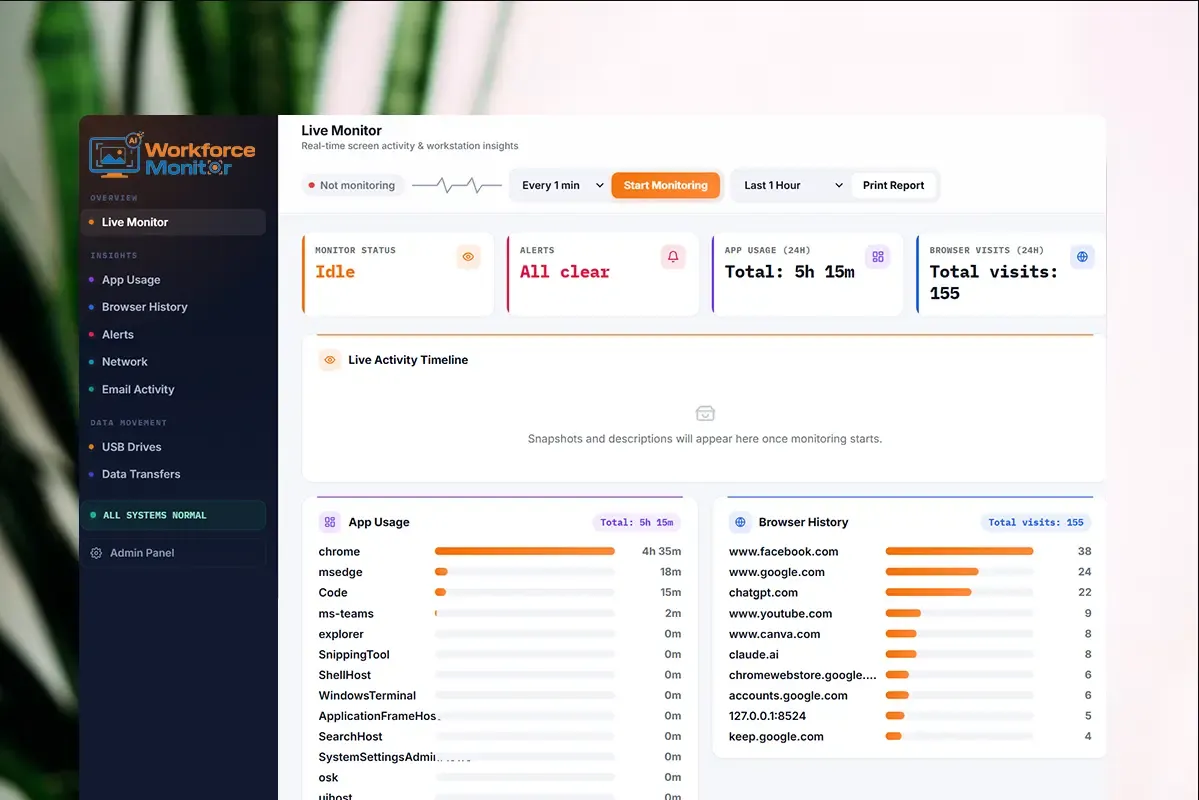
More Than Screenshots. Smarter Workforce Visibility.
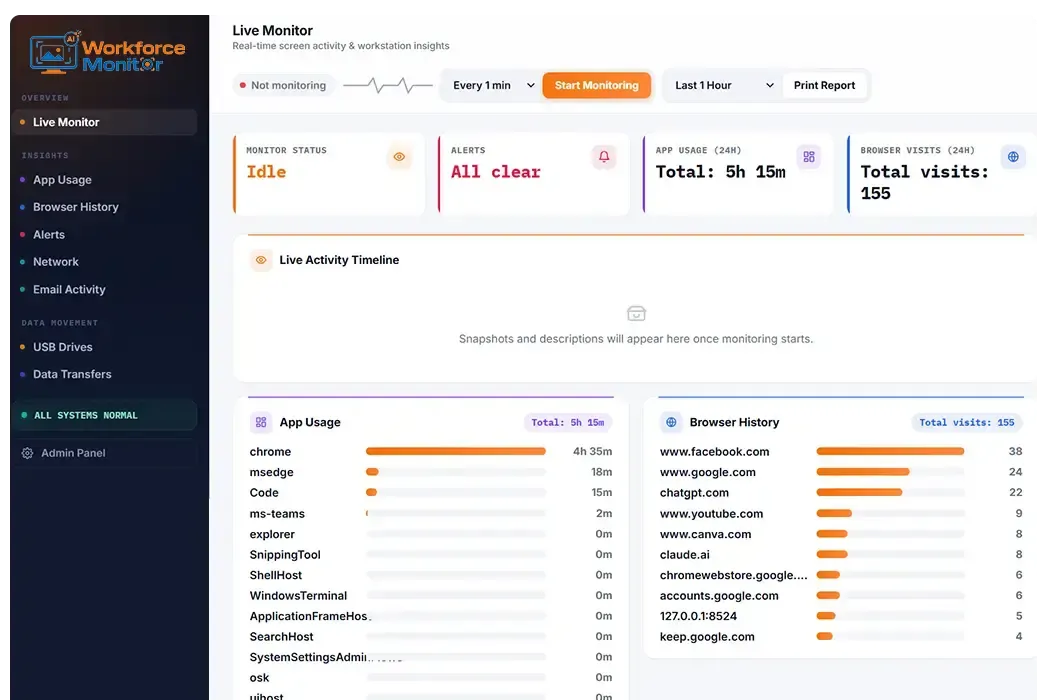
Traditional monitoring software leaves managers with hours of screenshots and logs to review. AI Workforce Monitor brings screens, apps, browsers, email, devices, and data transfers into one place — turning activity into clear, actionable insight.
AI Powered Activity Analysis
Raw footage turned into readable context.
One View of Workforce Activity
Every channel, one connected dashboard.
Less Manual Monitoring
Less log-scrolling, faster insight.
FEATURES
Everything You Need for Smarter Employee Monitoring
Monitor employee screens, applications, websites, emails, devices, and data activity from one centralized platform.
Screen Activity Analysis
Get more than basic screenshots. AI powered screen monitoring analyzes what's happening on employee screens and turns it into readable context, so admins aren't reviewing footage frame by frame.
- Analyze productive and non-productive screen activity
- Detect potential policy violations and unusual activity
- Generate contextual summaries from captured screens
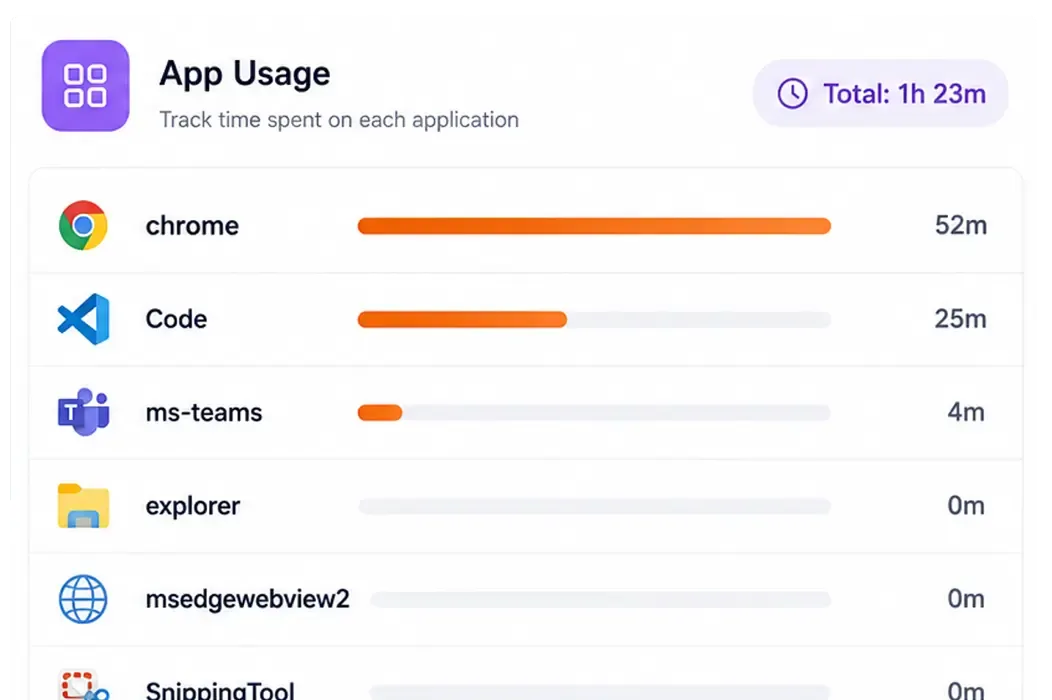
Application Usage Tracking
Understand which applications employees use and how working time is distributed across tools, with OS-level usage data that reveals patterns over days, weeks, or months.
- Track application usage and time spent
- View activity by employee, application, and time period
- Identify productivity and distraction patterns
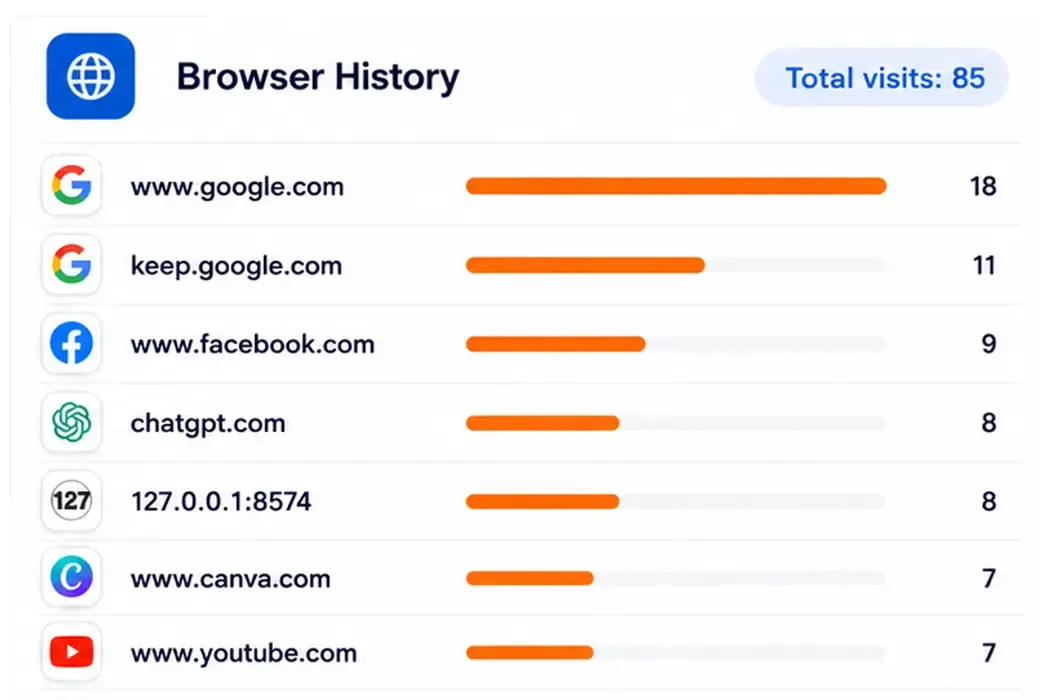
Browser History Monitoring
Gain visibility into employee web activity across major browsers without relying on browser extensions. See websites visited and browsing patterns, and flag restricted or risky domains.
- Monitor Chrome, Edge, Brave, and Firefox
- Track websites visited and browsing activity
- Identify restricted or risky websites
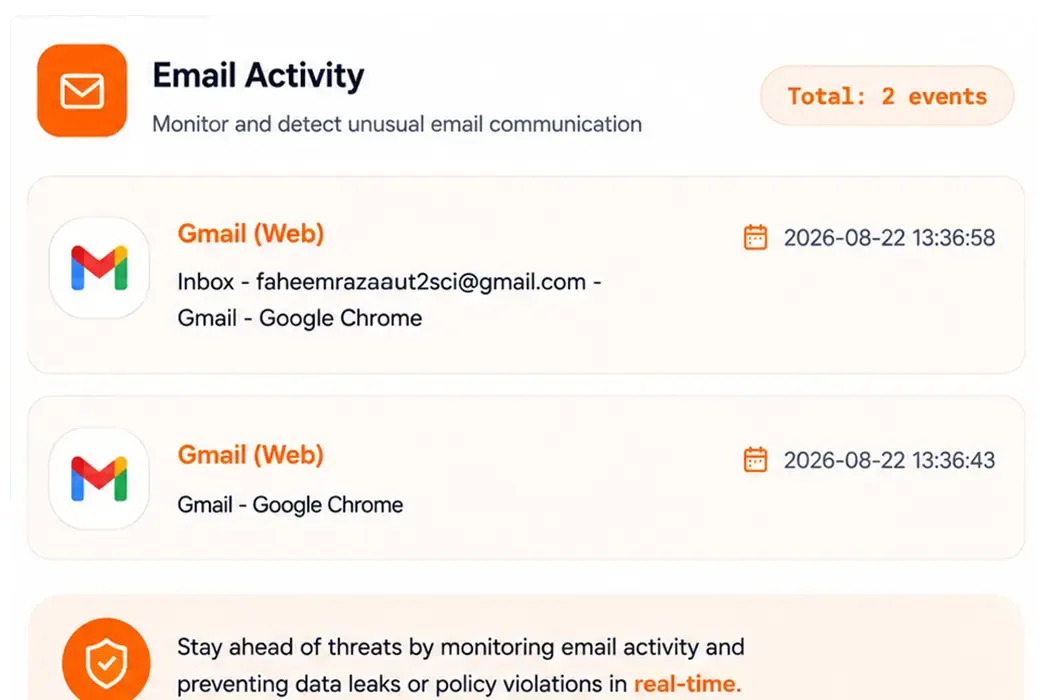
Email Activity Detection
Monitor email activity on company devices to identify unusual communication and potential unauthorized data sharing — giving admins visibility into activity that may need a closer look.
- Detect and log email activity
- Identify unusual communication patterns
- Flag potential data sharing and blacklisted domains
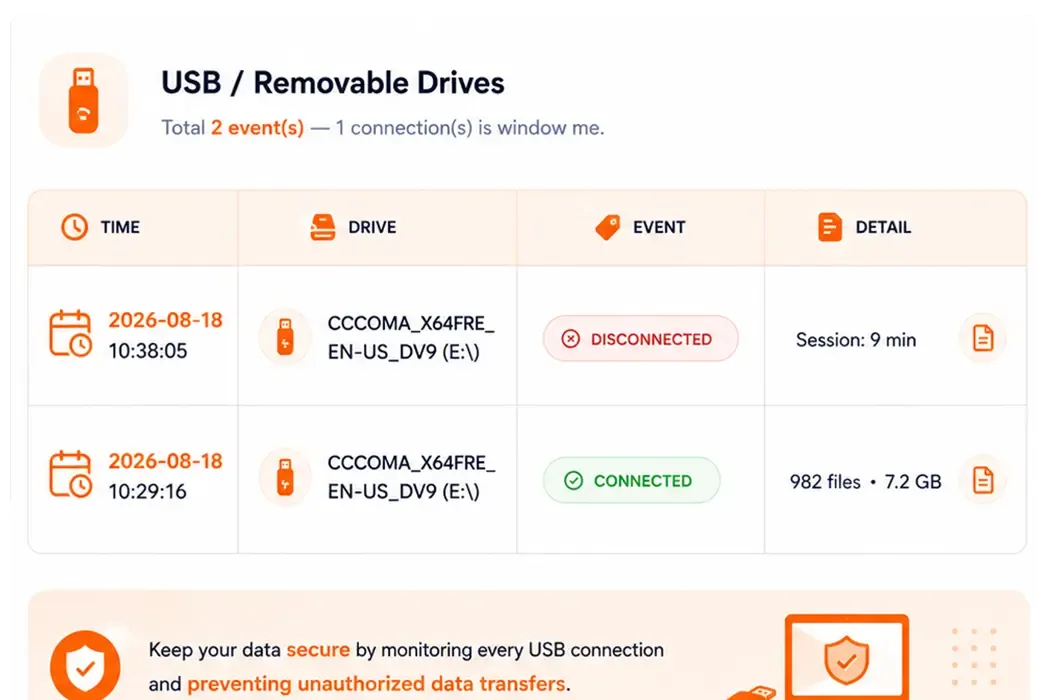
USB / Drive Detection
Keep track of removable storage activity on monitored computers. When a USB drive is connected or disconnected, administrators can receive alerts to help identify unauthorized device activity.
- Detect USB and removable drive connections
- Record connection and disconnection events
- Alert administrators to potentially unauthorized activity
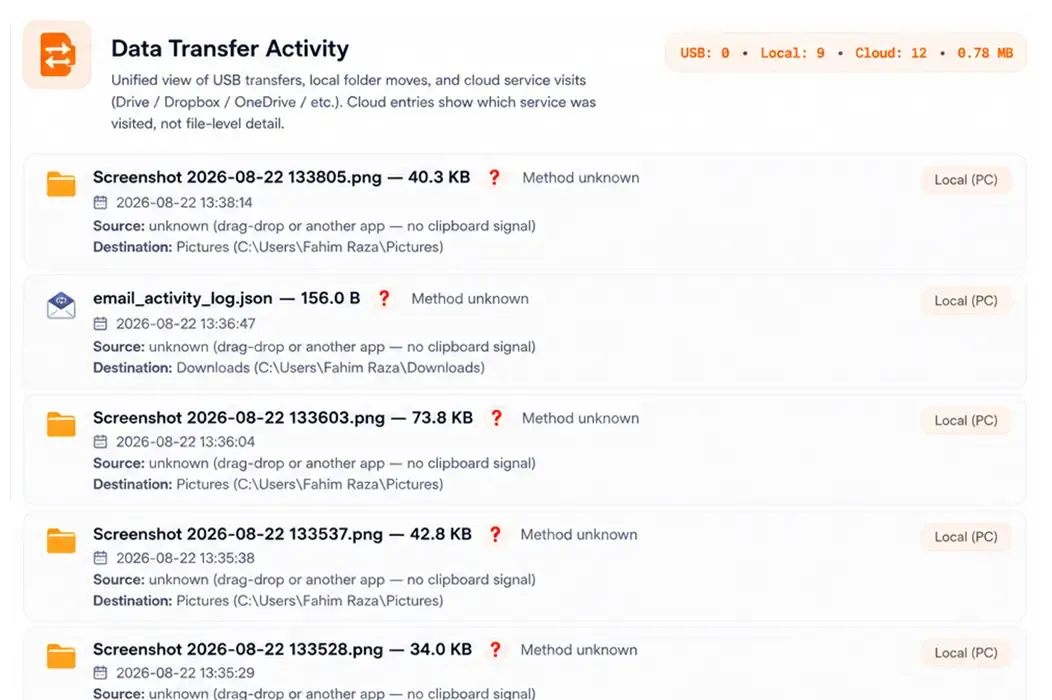
Data Transfer Tracking
Monitor how data moves through network connections and destinations across monitored systems, helping identify large or unusual file movements and unauthorized data transfers.
- Track inbound and outbound data transfers
- Monitor network connections and destinations
- Identify large or unusual file movements
HOW IT WORKS
From Employee Activity to Actionable Insights
Your Entire Workforce, One Clear View
AI Workforce Monitor brings employee activity into one centralized monitoring system, giving managers a clear picture of what is happening across monitored computers. From screen activity and application usage to browser history, alerts, USB events, email activity, data transfers, and reports, everything is organized in one place for easier monitoring and review.
BUILT FOR MODERN WORKFORCES
Smarter Employee Monitoring for Every Team
Remote Teams
Monitor activity and work patterns across distributed teams.
IT & Security Teams
Gain visibility into device activity and potential security risks.
HR & Operations
Understand workforce activity and productivity patterns.
Business Managers
Get clear workforce insights from one centralized platform.
Enterprise Teams
Manage employee monitoring across teams and locations.
FAQs
Frequently Asked Questions About Employee Monitoring Software
Get Clearer Visibility into Workforce Activity
Explore how AI Workforce Monitor can help your organization monitor employee activity,
understand productivity patterns, and keep important activity visible from one centralized platform.

We Value Your Privacy
We use cookies to enhance your browsing experience, serve personalised ads or content, and analyse our traffic. By clicking "Accept All", you consent to our use of cookies. Learn More About Our Privacy Policy
Privacy Policy Powered By |
Your choice regarding cookies on this site
Below, cookies we are going to save for temporary until your cache will not clear
Required Cookies
These cookies are required to enable core site functionality
Functional Cookies
These cookies allow us to analyze site usage so we can measure and improve performance.
Functionality Allowed
- Remember the contact us form details
Functionality Not Allowed
- Remember your log-in details
Privacy Policy Powered By |